


SwiftUI Crud App
January 3, 2024 - The Tutorial Doctor
You will learn how to make a very basic Swift CRUD app using only Swift UI and Swift Data.
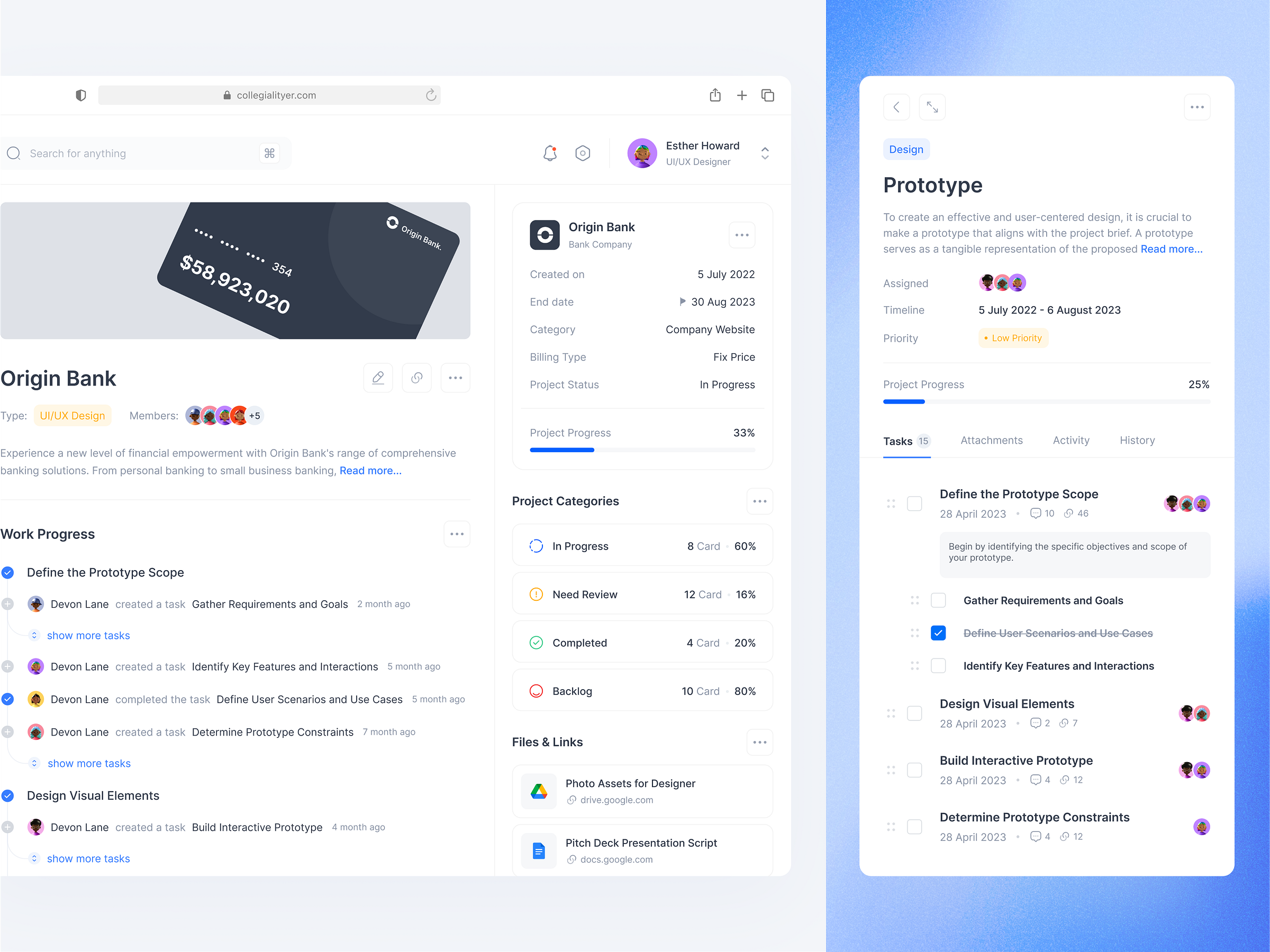 Mockup By dipainhouse
What you will need:
- Swift UI - User Interface layout
- SwiftData - persist data
- Foundation - base layer of functionality required for all applications
Data Models
Project
A project to complete
| Column | Type | Description |
|---|---|---|
| id | int | unique id for the project |
| name | text | name of the project |
| description | str | description of the project |
| completed | boolean | whether the project is complete or not |
| start_date | text | date started |
| due_date | text | date due |
Task
A single task for a project
| Column | Type | Description |
|---|---|---|
| id | int | unique id for the project |
| description | str | description of the project |
| completed | boolean | whether the project is complete or not |
| start_date | text | date started |
| due_date | text | date due |
Requirements
Functional Requirements
- CRUD projects & tasks
Non Functional Requirements
- Beautiful - Nice looking UI
- Useful - could be used for real work
- Stable - No bugs
- Responsive
Technical Requirements
- Use SwiftData or something like Supabase for the data.
Business Rules
These business rules were generated by Google Gemini. These are only ideas for future features and are not included in this project
- Task Ownership: Each Task must be assigned to a specific user.
- Task Priority: Tasks can be assigned a priority level (e.g., low, medium, high, urgent) to guide workload management.
- Task Dependencies: Tasks can be linked to other Tasks as dependencies, ensuring that certain Tasks must be completed before others can begin.
- Category Hierarchy: Categories can be organized into a hierarchical structure, allowing for granular Task classification.
- Category Permissions: Users can have different levels of access to different categories, restricting or granting permission to create, edit, or view Tasks within those categories.
- Recurring Tasks: Tasks can be set to recur on a regular schedule (e.g., daily, weekly, monthly).
- Task Templates: Users can create pre-defined task templates to streamline the creation of common task types.
Create a new SwiftUI App
Create a new swift app in Swift Playgrounds.
The Code
Set up instructions here
swift
import Foundation
import SwiftData

@Model
class ProjectModel: Identifiable{
    var id: String
    var name:String

    init(name: String){
        self.id = UUID().uuidString
        self.name = name
    }
}
swift
import SwiftUI
import SwiftData

@main
struct Main: App {
    var body: some Scene {
        WindowGroup {
            ContentView()
        }.modelContainer(for: ProjectModel.self)
    }
}
swift
import SwiftUI
import SwiftData

struct ContentView: View {

    @Environment(\.modelContext) private var context

    @State private var inputBox: String = ""

    @Query private var projects: [ProjectModel]

    var body: some View {
        VStack {
            Text("Add Data")
            TextField("asd",text:$inputBox)
            Button(action: addProject, label: {
                Text("+ Add")
                Text(inputBox)
            })

            List{
                ForEach(projects){ project in
                    HStack{
                         Text(project.name)
                         Spacer()
                        Button(action: {
                            project.name = inputBox
                            try? context.save()
                            inputBox = ""
                        }, label: {
                            Text("Update")
                        })
                    }
                }.onDelete { indexes in
                    for index in indexes{
                        removeProject(projects[index])
                        //let project = projects[index]
                        //removeProject(project)
                    }
                }
            }
        }.padding()
    }

    func addProject(){
        let project = ProjectModel(name:"Test")
        context.insert(project)
    }

    func removeProject(_ project: ProjectModel){
        context.delete(project)
    }
}
Publish to the App Store
Coming Soon